Your identities.
Perfectly separated.
The right identity is used automatically — you never think about it again.
free & open source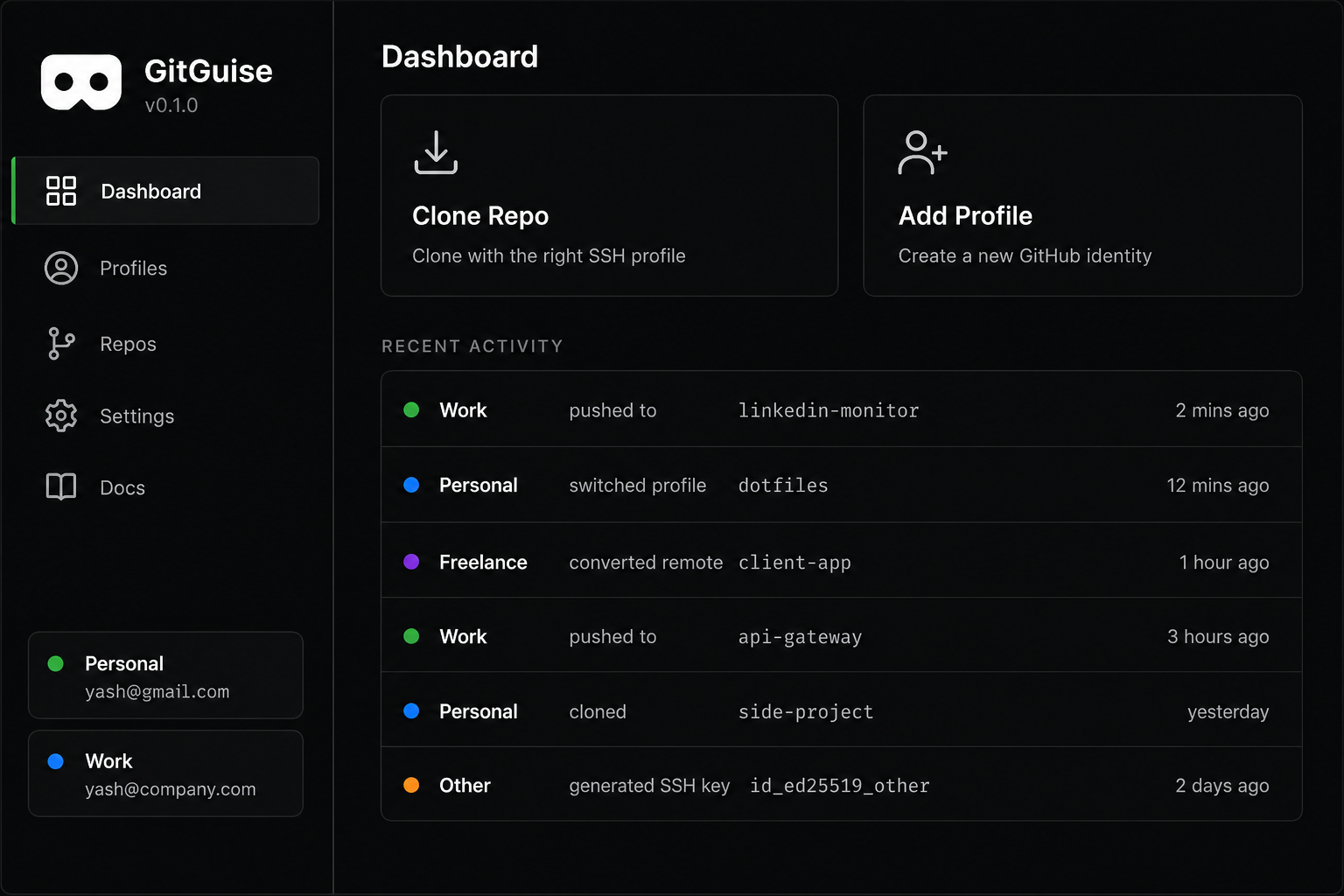
Sound familiar?
Repository not found — on a repo you own
Wrong key, failed clone, five commands to fix it
New machine. The whole SSH setup, from scratch, again
Everything handled automatically
Unlimited profiles
Add every identity you work under — no arbitrary limits
Setup wizard
SSH keys, config, and hooks — fully configured in minutes
Auto-detect on push
Reads your remote URL and pushes from the right account. Every time.
Every new repo gets an identity
Pick a profile at init — before the first commit lands under the wrong account
Repo scanner
See every repo on your machine and exactly who it belongs to
New machine in 2 min
Export your entire setup. Import on a new machine. Done in 2 minutes.
Workarounds vs GitGuise
Other tools help with pieces of the problem. GitGuise handles all of it — key, remote, and commit identity — from the remote URL.
Typical workarounds
- includeIf — identity by folder path; clone into the wrong directory and it silently doesn’t apply
- gh auth switch — swaps GitHub auth, not remotes, SSH aliases, or repo-local git config
- Manual git config — easy to forget right before a commit on a private repo
- Custom shell scripts — personal and fragile; hard to share or move to a new machine
What GitGuise does
- From the remote — picks key, remote alias, and commit identity from the URL, not the folder you’re in
- SSH + hooks + wrappers — configured once, then used by normal
gitcommands - Existing repos — assign an identity in the app or fix remotes from the terminal
- Cross-platform — Windows, macOS, Linux · export/import for a new machine in minutes
How it works
Add your profiles
Name them, color-code them, connect them
Run the wizard
GitGuise configures SSH, hooks, and shell wrappers automatically
Push freely
The right identity is used automatically — you never think about it again
Download GitGuise
Windows SmartScreen note: Since the app is not signed, Windows might show a "Windows protected your PC" warning. To install, click More info and then Run anyway. The app is completely safe and open source.
Or clone and build for your machine
git clone https://github.com/yash-js/gitguise.git
cd gitguise/app
npm install
npm run build:win
Requires Node.js (LTS) and Git. Output ends up in app/dist/. Other platforms: build:mac, build:linux.
Requires Git installed on Windows, macOS, and Linux · Current version: v0.1.0